Whether you wield a base-lit lightsaber or a Neopixel saber, learning how to charge a lightsaber properly keeps your blade blazing with color and sound. This guide walks you through identifying your saber’s power source, choosing the correct charging method, and caring for your batteries so they last through endless duels and displays. Knowing how to charge your lightsaber correctly helps confirm reliable performance, maximum battery life, and uninterrupted adventures. Keep your saber powered up, and you'll be ready to forge your own path as a Jedi or Sith.
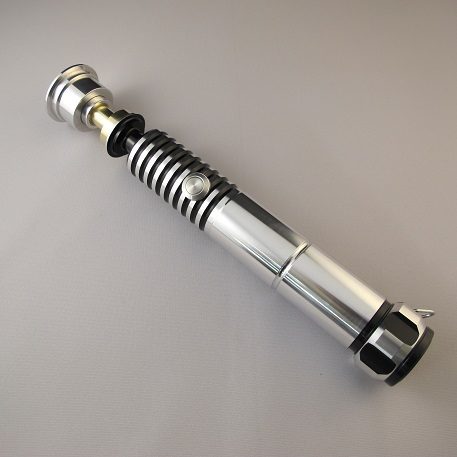
Original price was: $210.00.$178.50Current price is: $178.50.
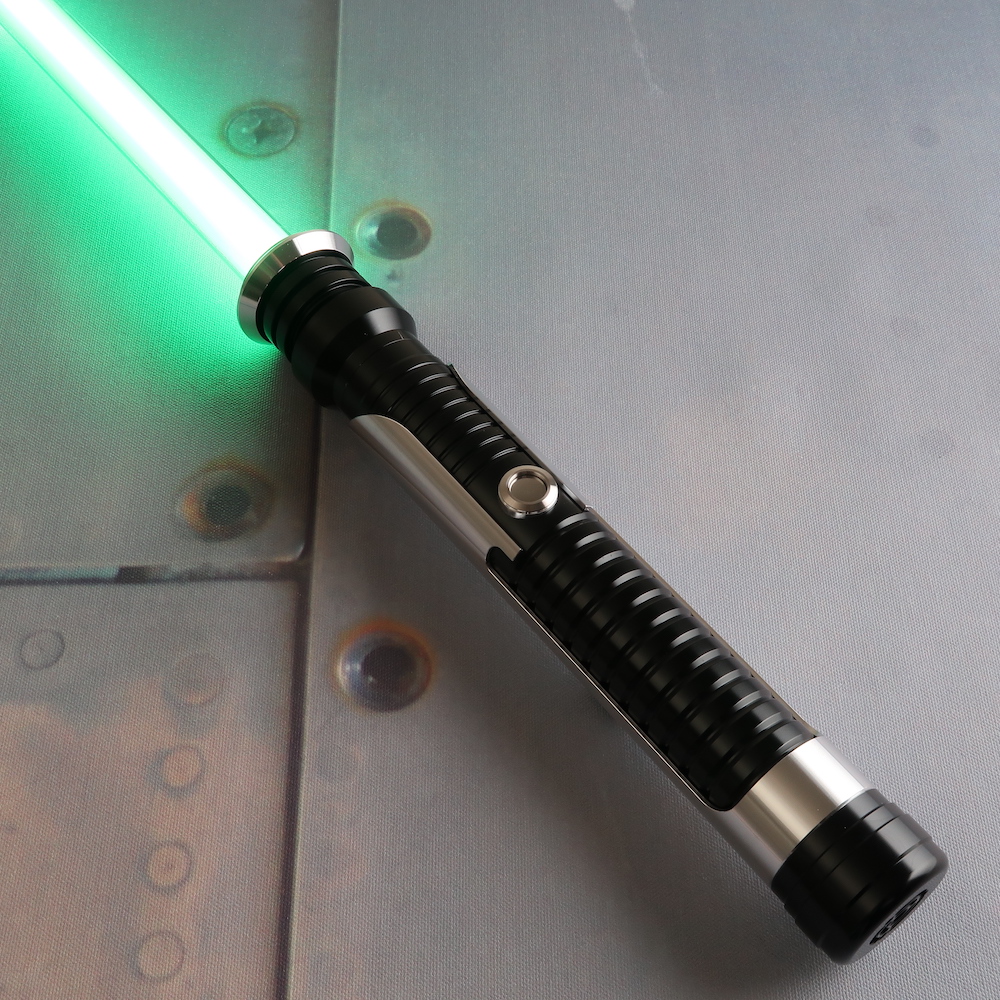
Original price was: $190.00.$161.50Current price is: $161.50.
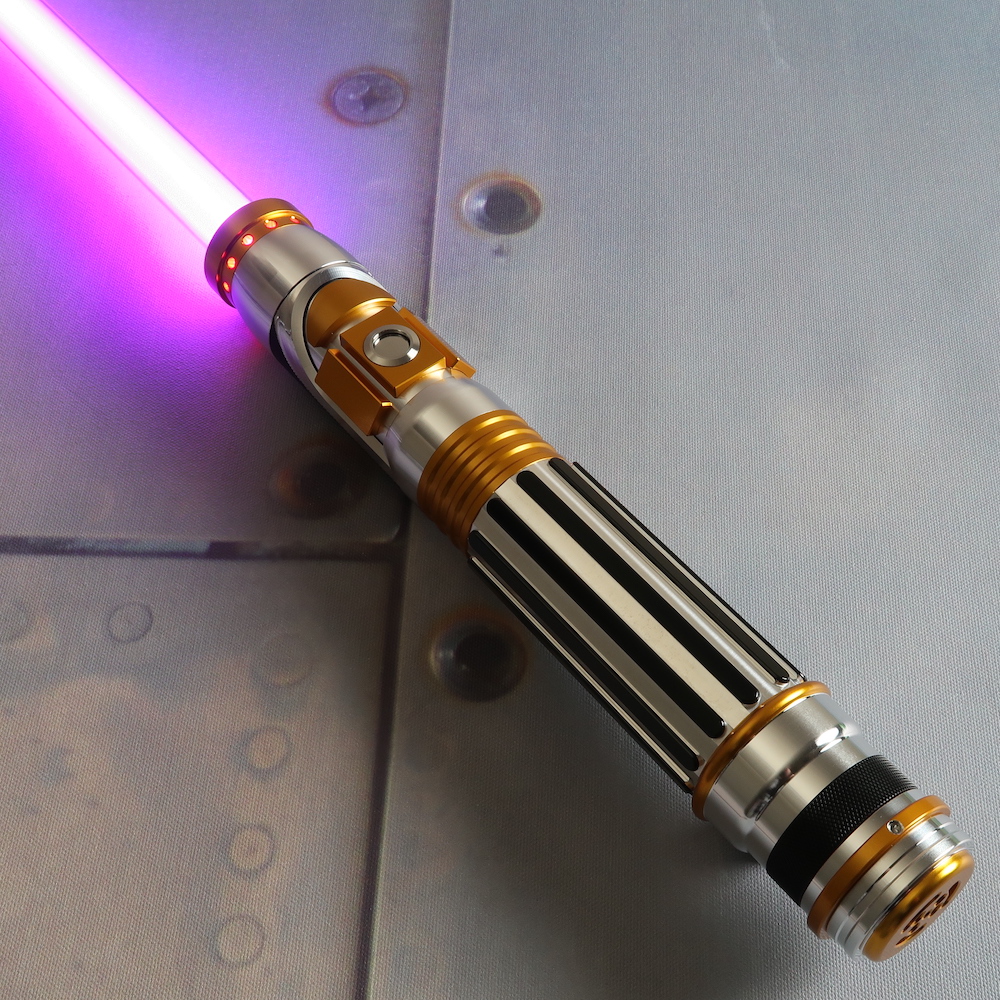
Original price was: $220.00.$187.00Current price is: $187.00.
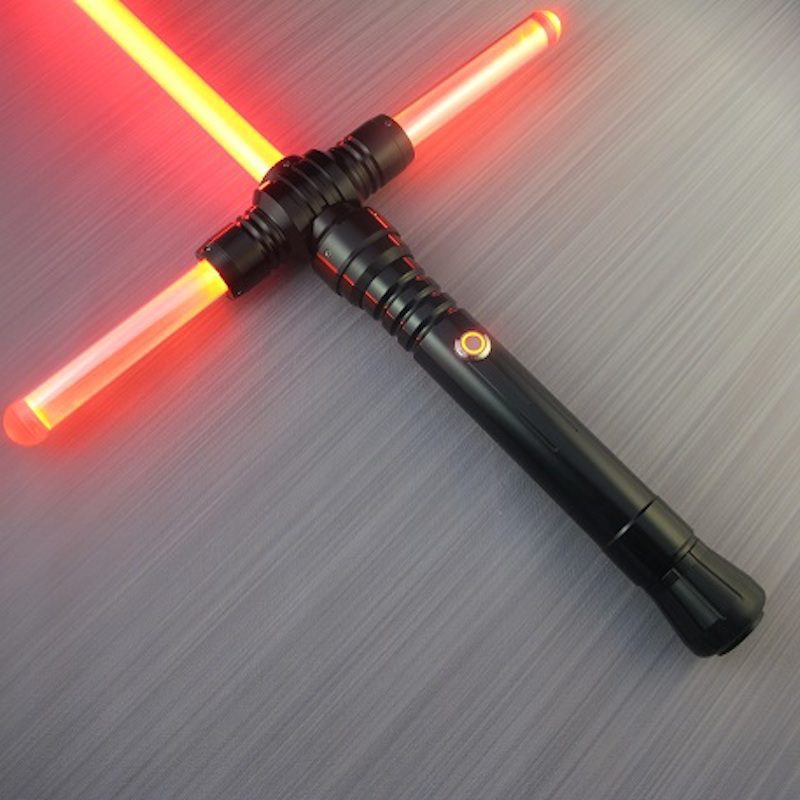
Original price was: $295.00.$250.75Current price is: $250.75.
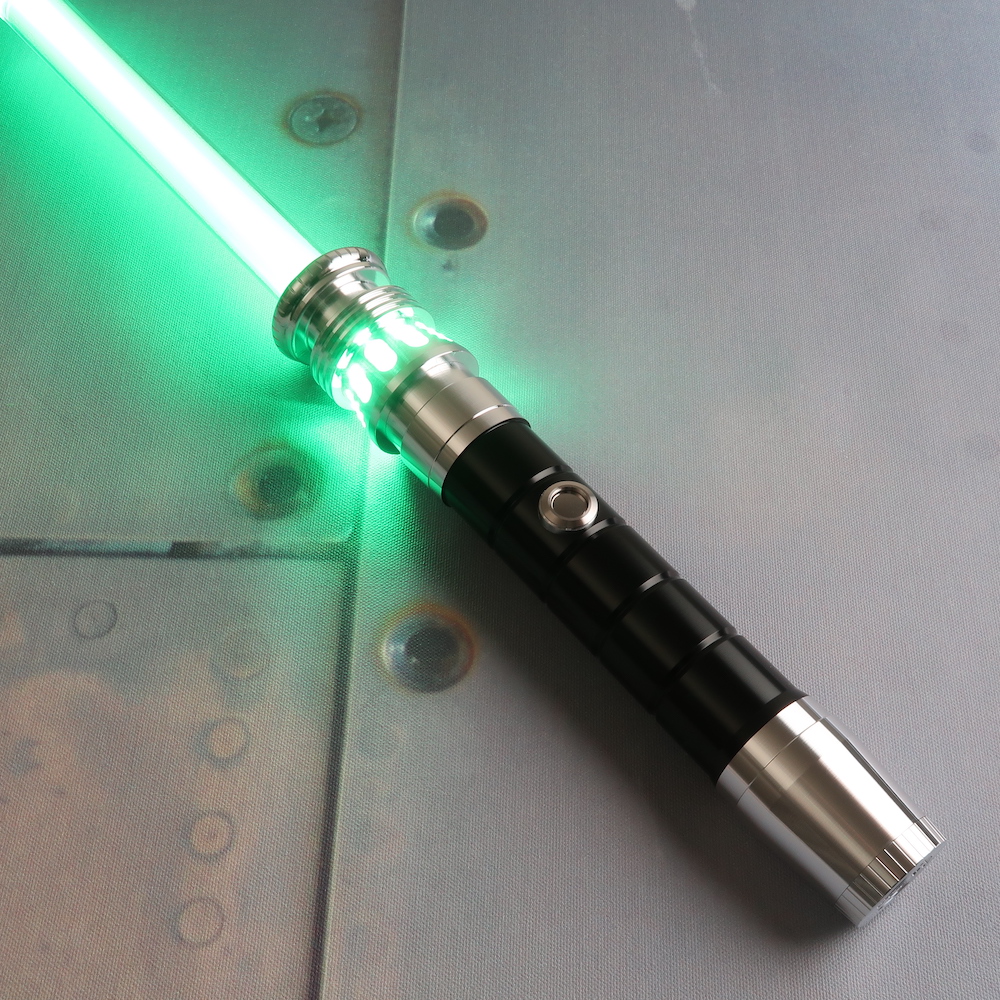
Original price was: $190.00.$161.50Current price is: $161.50.
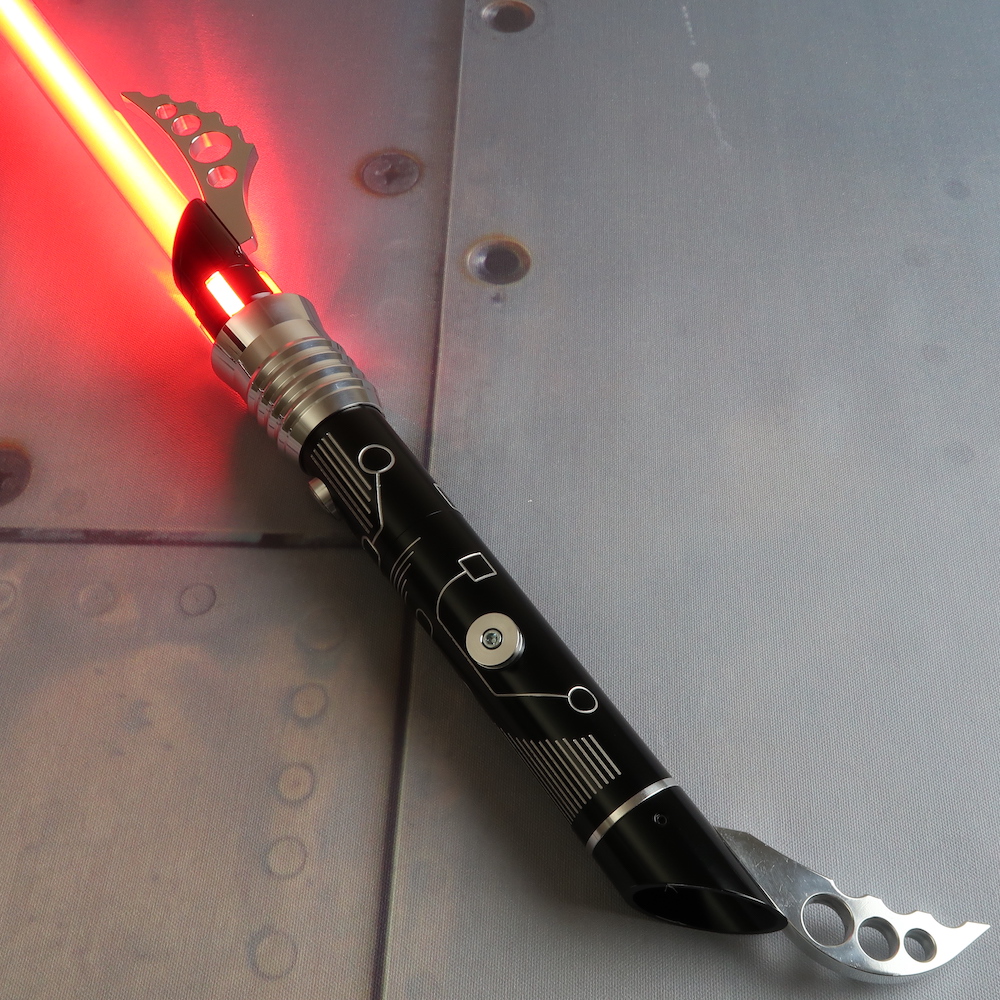
Original price was: $190.00.$161.50Current price is: $161.50.
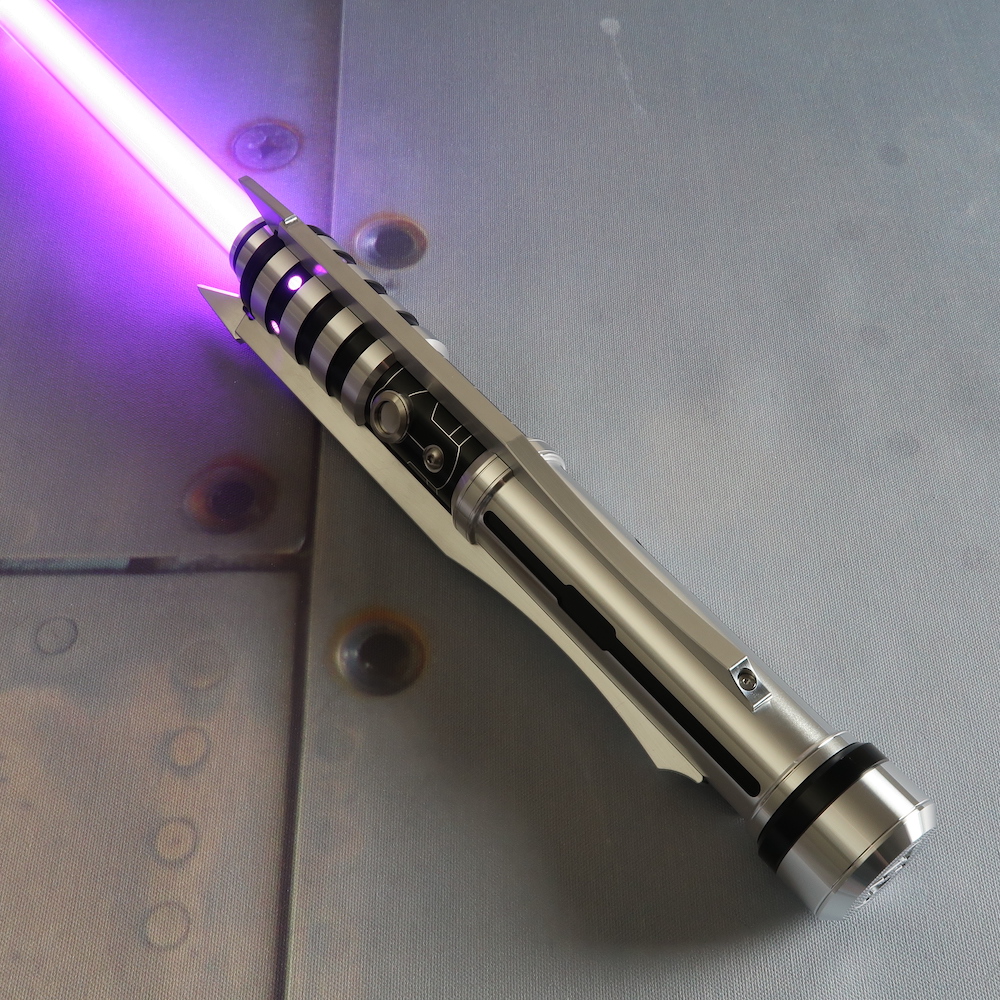
Original price was: $200.00.$170.00Current price is: $170.00.
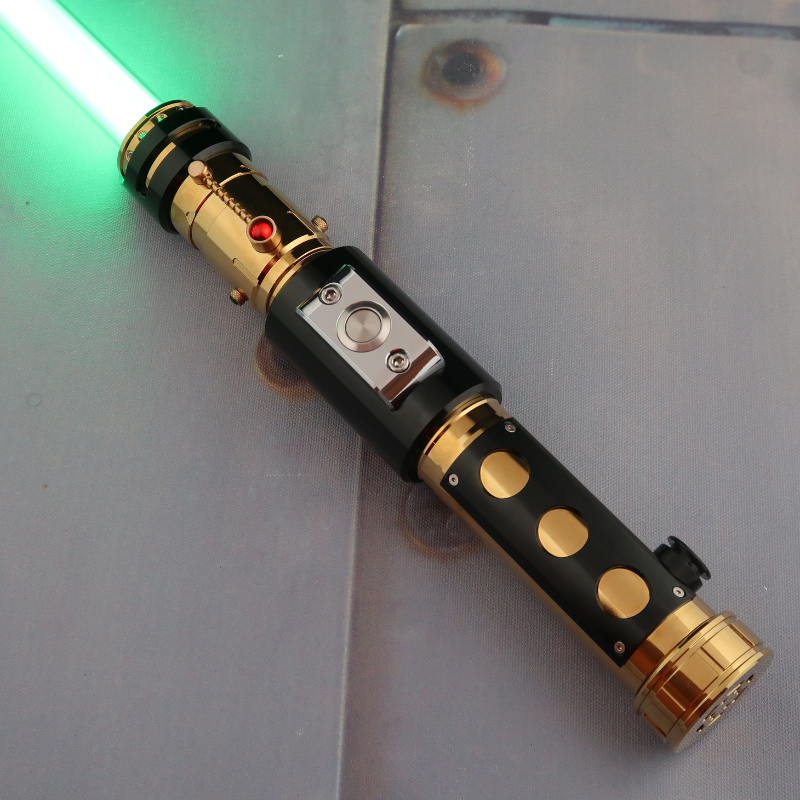
Original price was: $225.00.$191.25Current price is: $191.25.
All Ultrasabers’ hilts feature a removable battery pack, while some have a recharge port on the hilt if selected during customization. If your saber is equipped with a recharge port, it will be opposite the switch, on the back of the hilt. Without a recharge port, you will need to remove the pommel in order to slide the battery holder out to access your battery.
Keep in mind that you should always turn the saber off before charging or removing batteries.
When it comes to lightsaber battery types, Ultrasabers’ lightsabers use rechargeable lithium‑ion cells. Two common sizes power our sabers:
The external chargers we offer are the safest way to top off your cells. They automatically stop charging when your lightsaber batteries reach full capacity, preventing overcharging. If your hilt has an integrated recharge port, use the included wall adapter and cable; plug the charger into the port until the indicator light changes (usually from red to green), showing a full charge.
Charging a lightsaber is not one-size-fits-all. Runtime and charging times vary depending on your electronics package, battery type, and usage habits:
Lithium‑ion cells are powerful. Handle them with respect by following these guidelines:
Proper battery care helps maximize performance and lifespan. If you won't be using your saber for an extended period, store lithium-ion cells at approximately 50% charge in a cool, dry location or on a charger capable of trickle charging. If you own multiple batteries, consider labeling them and rotating their use so they age evenly over time. It's also a good idea to keep your recharge port clean and free of dust or debris. If necessary, use compressed air to gently clear the port before charging your lightsaber.
Read our Lightsaber Battery Replacement Guide for more information on changing out saber batteries.
How often you charge depends on how you use your saber. Frequent saber duelers or cosplayers may need to recharge or swap cells at every event. Display sabers with modest use can go weeks between charges. If your ignition feels delayed or the brightness decreases, it’s time to recharge.
Now that we’ve reviewed how to charge a lightsaber, you can start powering up! Charging your lightsaber shouldn’t be a mystery. With a little knowledge about your saber’s battery type and port location, you’ll keep the Force strong. For detailed instructions and lightsaber info, check out our Holocron resources. You can also visit our active online community, SaberForum.com, to talk to other saber owners.


